 jiaxin.lai
4cda45bfd9
* support ccd

* clearState after change type

* fix Instantiate rigid body with custom group

* add some extra functions

* update physics libs

* tweaks rigid body component

* add EVENT_UPDATE to PhysicsMaterial

* tweaks

* support switch physics backend

* remove redundant constants

* add config & min volume size

* update @cocos/physx to 1.0.4

* fix destroy cannon world

* correct init if manual construct physics system

* disable log info in test

* add some physics unit test

* add physics unit test

* make the config optional

* add runInEditor to selector

* pack physx js libs by default

* fix

* STASH

* stash

* tweaks

* rename

* update test

* support query trigger

* update @cocos/ammo to 1.1.6

* fix raycast with query trigger in physx

* raycast test with query trigger

* rename

* docs

* fix calculate local inertia (#8956)

* rename

* delete

* allow generate mesh/terrain collider at runtime

* tweaks

* use sap by default

* update @cocos/ammo to  1.1.8

* update @cocos/physx to 1.0.7

* update @cocos/cannon to 1.2.8

* update package-lock

* add ccd test

* remove config

* rename

* fix 2d phy sys typing

* support global allow sleep toggle for bullet

* tweaks

* use naive broadphase by default

* rename

* docs

* tweaks

* add missing jugement



Cocos Creator

Cocos Creator is the new generation of game development tool in Cocos family, it brings a complete set of 3D features and provides an intuitive, low cost and collaboration friendly workflow to game developers.
Cocos Creator inherited many good qualities and cool features from its previous versions, such as cross-platform support including instant gaming platforms like WeChat mini game, asset management, powerful animation editing, etc. Furthermore, Cocos Creator has pushed our technology to a whole new level. Our GFX implementation is designed to adapt to the latest graphic backend APIs, it already supports WebGL 2 and can be seamlessly fall back to WebGL 1, it will support Vulkan and Metal in the native build. The material system is built on our own effect format which uses GLSL 300 and can be easily adapted to lower version on low end devices. Developers can produce high performance, extremely expressive shaders with good compatibility. Along with physical based camera and lighting, high level game graphic can be easily achieved. Our pure GPU driven skeleton animation also make sure your game runs as smooth as possible. Besides all these exciting features, Cocos Creator have builtin physics support, terrain editing support, visual effect editing, ui system, TypeScript support, instant preview etc.
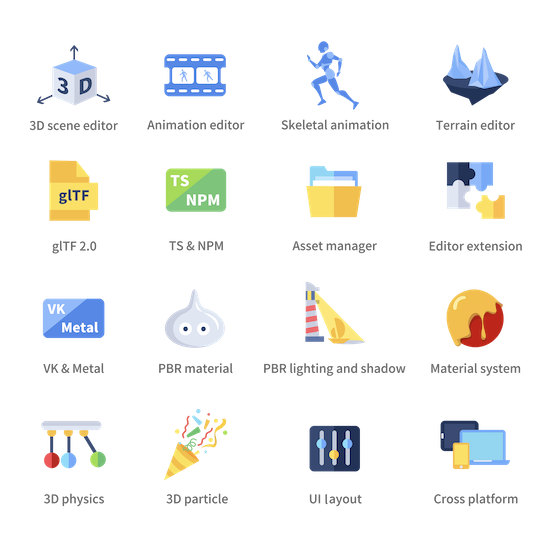
This repo is the engine part of Cocos Creator, it's mainly written in TypeScript and support users to use TypeScript or ES6 to write game logics. The engine itself is mostly self-contained, with full-fledged runtime modules including lighting, material, particle, animation, physical, UI, terrain, sound, resource and scene-graph management, etc. It supports both native and web platforms, including Windows, Mac, iOS, Android, Web. What's more exciting is that it supports rapidly expanding instant gaming platforms like WeChat Mini Game and Facebook Instant Games.
The engine is naturally integrated within Cocos Creator, designed to only be the essential runtime library and not to be used independently.
Developer
Prerequisite
- Install node.js v9.11.2 +
- Install gulp-cli v2.3.0 +
Install
In the cloned repo, run the following command to setup dev environment:
# download & build engine dependencies
npm install
This is all you have to do to setup engine development environment.
Build
-
If running inside Cocos Creator, the engine will automatically compile and build after the editor window is opened.
-
Outside the editor, you need to run the following command to build:
npm run build
Example Project
- Example Cases: Simple yet expressive demo scenes for baseline testing and topic-specific case study.
- Mind Your Step 3D: Beginner's step-by-step tutorial project repo.
- UI Demo: use cases for various kinds of UI components.
- Test Cases: Unit test scenes for every engine module.
Links
- Official site
- Download
- Documentation
- API References
- Forum
- Road Map: To be announced